
IPTV Smarters – The Complete In-Depth Guide
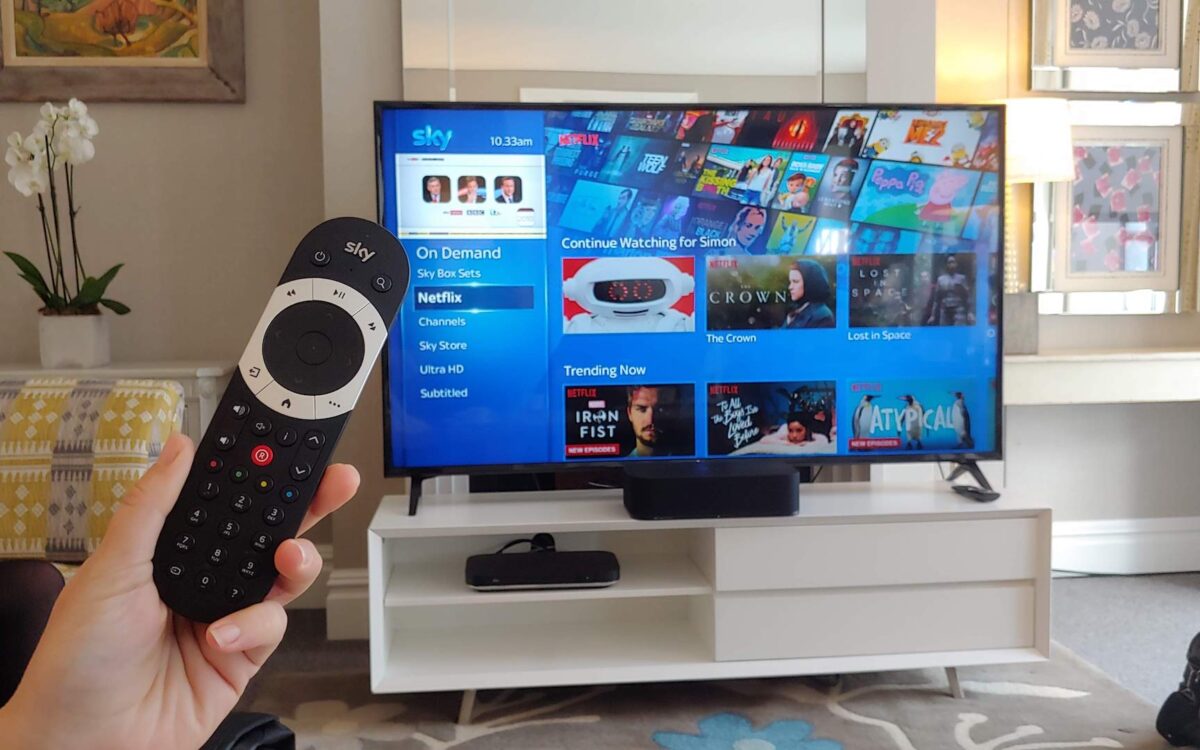
The way people watch television has changed dramatically over the last decade. Traditional cable subscriptions, fixed schedules, and expensive bundles are steadily being replaced by flexible, internet-based television solutions. IPTV, or Internet Protocol Television, has become one of the most widely adopted alternatives, and at the center of this ecosystem sits a powerful piece of software known as IPTV Smarters.
IPTV Smarters is not a TV service itself. Instead, it is an application that allows users to access, organize, and enjoy IPTV content provided by third-party services. Because of its clean interface, wide device compatibility, and extensive feature set, IPTV Smarters has become one of the most commonly used IPTV apps worldwide.
This article takes a deep dive into IPTV Smarters. We will explore how it works, why it is so popular, what features it offers, how it compares to other IPTV players, how it performs across different devices, and what users should understand before relying on it as their primary IPTV application.
What Is IPTV Smarters?
IPTV Smarters is a media player application designed specifically for IPTV usage. It allows users to load IPTV subscriptions using login credentials or playlist formats and then watch live TV channels, movies, series, and on-demand content through a single, unified interface.
It is important to understand that IPTV Smarters does not provide channels. Instead, it acts as a bridge between the IPTV service and the viewer’s device. Think of it as a sophisticated TV interface that organizes and displays content coming from an external source.
The app supports many popular IPTV formats and protocols, making it compatible with a wide range of providers and setups. This flexibility is one of the main reasons it has gained such a strong reputation among IPTV users.
Why IPTV Smarters Became So Popular
IPTV Smarters did not become widely used by accident. Its popularity is the result of several key factors working together.
Ease of Use
From the moment users open IPTV Smarters, the layout feels familiar. Channels are clearly categorized, navigation is intuitive, and most features are accessible without technical knowledge. Even users new to IPTV can learn the app quickly.
Cross-Platform Compatibility
One of IPTV Smarters’ strongest advantages is that it works on almost every major platform:
-
Android phones and tablets
-
Android TV
-
Amazon Firestick and Fire TV
-
iOS devices
-
Windows PCs
-
macOS computers
-
Smart TVs from various manufacturers
This cross-platform availability allows users to maintain the same viewing experience across multiple devices.
Clean and Modern Interface
The visual design of IPTV Smarters is simple, organized, and responsive. Menus load quickly, transitions feel smooth, and content is easy to browse. Compared to older IPTV apps with outdated designs, IPTV Smarters feels modern and polished.
Support for Live TV and On-Demand Content
Many IPTV users want both live channels and movies or series. IPTV Smarters handles both equally well, offering separate sections for live TV, video-on-demand, and TV series.
How IPTV Smarters Works
Understanding how IPTV Smarters works helps users get the most out of it.
Connection to an IPTV Service
When launching IPTV Smarters for the first time, users are prompted to add their IPTV subscription. This can be done in multiple ways, depending on the provider:
-
Username, password, and server URL
-
Playlist URL
-
Xtream Codes API login
Once the details are entered, IPTV Smarters fetches the channel lists, categories, EPG data, and VOD libraries from the IPTV provider’s servers.
Content Organization
After loading the data, IPTV Smarters organizes everything into structured categories:
-
Live TV channels grouped by genre or country
-
Movies sorted by category or popularity
-
TV series grouped by season and episode
-
Catch-up or replay content if supported
This organization makes it easy to navigate large channel lists without feeling overwhelmed.
Playback and Streaming
When a user selects a channel or video, IPTV Smarters uses an internal media player or an external player (if configured) to stream the content. The app handles buffering, resolution selection, and audio playback automatically.
Key Features of IPTV Smarters
IPTV Smarters includes a wide range of features that cater to both casual viewers and advanced users.
Live TV with EPG
The electronic program guide (EPG) shows current and upcoming programs for each channel. Users can scroll through schedules, see program descriptions, and switch channels directly from the guide.
Video on Demand (VOD)
The VOD section allows users to browse movies and TV shows. Titles are displayed with posters, descriptions, and playback options, making it similar to mainstream streaming platforms.
Multi-Screen and Picture-in-Picture
On supported devices, IPTV Smarters allows users to watch multiple streams simultaneously or use picture-in-picture mode. This is especially popular with sports fans who want to follow more than one event.
Favorites and Custom Lists
Users can mark channels, movies, or series as favorites for quick access. This feature is particularly helpful when dealing with large IPTV playlists containing thousands of channels.
Parental Controls
IPTV Smarters includes parental control options that allow users to restrict access to certain content categories. This makes it suitable for households with children.
External Player Support
Advanced users can configure IPTV Smarters to work with external media players, which may offer additional codec support or customization options.
IPTV Smarters on Different Devices
The experience of using IPTV Smarters can vary slightly depending on the device.
IPTV Smarters on Android and Firestick
On Android-based devices, IPTV Smarters performs exceptionally well. Navigation is smooth, playback is stable, and updates are frequent. Firestick users also benefit from strong performance, especially on newer models with more memory.
IPTV Smarters on Smart TVs
Smart TV versions of IPTV Smarters provide a convenient living-room experience. However, performance depends heavily on the TV’s hardware. Newer models work well, while older smart TVs may feel slower.
IPTV Smarters on Computers
On Windows and macOS, IPTV Smarters functions like a desktop media center. It is ideal for users who prefer watching on larger monitors or managing IPTV content from a workstation.
IPTV Smarters on Mobile Devices
The mobile versions of IPTV Smarters are optimized for touch controls and allow users to watch content on the go. Features such as casting and background playback enhance mobile usability.
Performance and Streaming Quality
Streaming quality in IPTV Smarters depends on several factors:
-
The IPTV provider’s server quality
-
Internet connection speed and stability
-
Device performance
-
Player settings
When paired with a reliable IPTV service and a stable internet connection, IPTV Smarters delivers smooth playback with minimal buffering.
High-definition streams load quickly, audio stays in sync, and channel switching is fast. For many users, the app feels just as responsive as major commercial streaming platforms.
IPTV Smarters Compared to Other IPTV Apps
While IPTV Smarters is popular, it is not the only IPTV player available.
IPTV Smarters vs. Tivimate
Tivimate is often praised for its advanced customization options and ultra-fast navigation. IPTV Smarters, however, is more beginner-friendly and available on more platforms.
IPTV Smarters vs. OTT Navigator
OTT Navigator offers deep technical customization but can feel overwhelming. IPTV Smarters focuses more on ease of use and visual clarity.
IPTV Smarters vs. SmartOne IPTV
SmartOne IPTV works well on smart TVs but lacks some of the advanced features and cross-platform consistency found in IPTV Smarters.
Overall, IPTV Smarters strikes a balance between simplicity and functionality that appeals to a broad audience.
Common Issues and How Users Handle Them
No application is perfect, and IPTV Smarters is no exception.
Buffering Issues
Buffering is often caused by slow internet or overloaded IPTV servers, not the app itself. Using a wired connection or a higher-quality device can help.
EPG Not Loading
Sometimes the EPG does not update correctly. Refreshing the guide or reloading the playlist usually resolves the issue.
App Crashes on Older Devices
Older hardware may struggle with large playlists. Reducing background apps or upgrading the device can improve stability.
Best Practices for Using IPTV Smarters
To get the best experience with IPTV Smarters, users often follow a few best practices:
-
Use a strong internet connection
-
Choose a reliable IPTV provider
-
Keep the app updated
-
Use modern hardware when possible
-
Customize settings for performance rather than maximum resolution
These steps help ensure smooth and enjoyable viewing.
Legal and Ethical Considerations
IPTV Smarters itself is completely legal. It is simply a media player. However, the legality of the content accessed through it depends on the IPTV service being used.
Users are responsible for ensuring that their IPTV subscriptions comply with local laws and content licensing regulations. IPTV Smarters does not host or distribute content and does not control what users choose to watch.
The Future of IPTV Smarters
As IPTV continues to grow, IPTV Smarters is expected to evolve as well. Future developments may include:
-
Improved interface customization
-
Enhanced EPG functionality
-
Better support for ultra-high-definition formats
-
Stronger integration with external players
-
Performance optimizations for large playlists
Given its strong user base and ongoing updates, IPTV Smarters is likely to remain a major player in the IPTV app ecosystem.
Why IPTV Smarters Remains a Top Choice
IPTV Smarters stands out because it does many things well without overcomplicating the experience. It is accessible for beginners yet powerful enough for experienced IPTV users. It works across nearly all devices, offers a polished interface, and continues to improve with each update.
For users who want a reliable, flexible, and visually appealing IPTV app, IPTV Smarters remains one of the most dependable options available today.
Additional features and inspiration
An IPTV box is more than just a way to watch TV. Many people also use their box to discover new movies and series. For example, if you browse IMDB for a list of popular movies, you can easily choose something to stream later. Platforms like TechRadar also regularly provide comprehensive reviews of streaming devices, picture quality, and hardware performance. This helps you determine which box best suits your needs, especially if you’re torn between several models.
Using such platforms makes it easier to decide which features are relevant—think 4K support, HDR playback, storage options, or even gaming capabilities on certain boxes.
Conclusion
IPTV Smarters has earned its reputation as one of the most widely used IPTV applications in the world. By combining ease of use, strong performance, and broad compatibility, it provides a complete solution for accessing IPTV content across multiple devices.
While the quality of the IPTV experience ultimately depends on the service provider and internet connection, IPTV Smarters ensures that the content is presented in an organized, stable, and user-friendly way. For many users, it serves as the central hub of their modern television experience.
As internet-based television continues to expand, applications like IPTV Smarters will play an increasingly important role in shaping how people consume live and on-demand content. For viewers looking to move beyond traditional TV and into a more flexible future, IPTV Smarters remains a trusted and capable choice.